Flat vector-animasjonsvideo – Flat vector-stil
Lag en flat vector-animasjonsvideo: en enkel karakter på midnattsblått underlag, store undertekster og tidsstempel. En gratis stil for veiledninger og helsetips.
I gratisplanen: 3 videoer i måneden med vannmerke · forhåndsvisning generert av ClipOnIt-motoren
Slik ser denne stilen ut
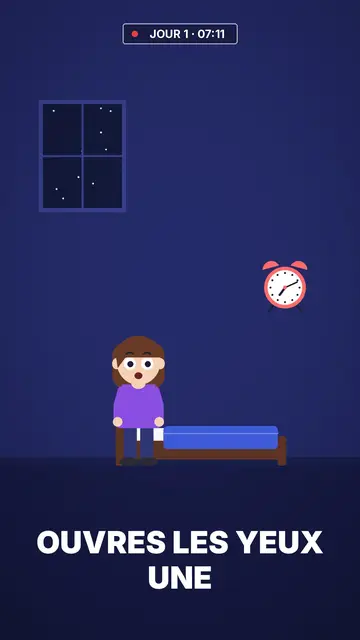
Flat vector draws in solid colour with no outlines at all: a simple character with big round white eyes, in an uncluttered room or outdoors at night. The midnight blue background holds for the whole video, which makes the character and the few objects around it stand out. Shapes are smooth and rounded, like the illustrations you see on app websites and in public health campaigns.
Captions are big, white and in capitals at the bottom of the screen; the next word shows ghosted and the keyword turns yellow. At the top, a timestamp like “DAY 1 · 07:12” with a blinking red dot gives viewers a thread to follow, ideal for a routine or a multi-day challenge. Titles are set in underlined white and yellow capitals, and scenes cross-fade into each other.
Temaer den passer til
Avoid: topics that need many different objects or specific places (history, geography, mechanics): the style's library is short and centres on one character in a few sets. For those topics, pick Pixel News or a 3D style, whose libraries are much larger.
- Step-by-step tutorialsOne character, one action per scene, one big caption: every step reads without effort.
- Health and sleepThe midnight blue bedroom and the timestamp show a routine hour by hour, without medical imagery.
- Wellbeing and habitsThe day counter follows a thirty-day challenge or a habit being built.
- Seasonal topicsA pumpkin, a ghost and a moon exist in the night set, for a Halloween or winter video.
Videoideer i denne stilen
- What happens if you sleep six hours
The timestamp runs from 23:00 to 07:00 while the character tosses in bed, then the alarm.
- Drinking water for seven days
“DAY 1” to “DAY 7”: one scene per day and what the body notices.
- Setting up an app in three taps
The character holds a phone, each tap gets its caption and its yellow word.
- Why we fear the dark
Outdoors at night, a moon, a ghost that turns out to be nothing: a short explainer for Halloween.
Få det på 1 klikk
- Åpne lenken til denne stilen
Knappen «Lag en video i denne stilen» åpner editoren med denne stilen allerede valgt. Uten konto tar registrering ett minutt og krever ikke kort.
- Skriv emnet ditt i én setning
En idé er nok. Du kan også lime inn teksten din, eller, med Starter, fortelle inn i mikrofonen: videoen bygger da på stemmen din.
- Gjennomgå, så render
AI skriver scenene, velger elementene i stilen og tidsetter dem etter ordene, med stemme og undertekster. Du retter det som er feil, og så er den vertikale MP4-filen klar om noen minutter.
Det du kan justere
You change the timestamp text (day, time), the titles and their yellow words, each caption's keyword, the narration and each scene's length. You pick the set, room or night outdoors, move the character and objects, change the camera move, or ask for three variants of a scene. From Starter, your own voice and the AI Director, who takes tweaks when you speak to it.
Tegnet i denne stilen
29 elementer i biblioteket, søkbare etter betydning. Noen av dem:
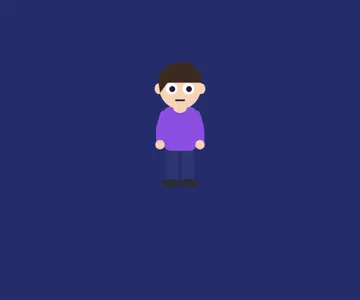 Karakterer
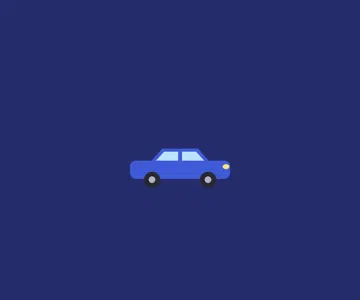 Enheter
 Data
 Kulisser
 Grensesnitt
 Objekter
 Mat
 Flore
Frequently asked questions
Gratis eller ikke, resultat, bruk: kort forklart.
What is a flat vector animation?
A video illustrated in solid colours, with no outlines or realistic shading, using simple rounded shapes. It is the look of app illustrations: clean, readable and easy to follow on a small screen.
Does it suit a product explainer video?
For showing a simple use (one person, a phone, a routine), yes. If your product has many screens or objects to show, a style with a bigger library will work better.
What is the timestamp at the top for?
It gives a marker in time: a day, an hour, a step. It works well for routines, multi-day challenges and hour-by-hour stories; you can also leave it empty.
Er denne stilen med i gratisplanen?
Ja. Det er en av de 8 stilene i gratisplanen: 3 videoer i måneden med ClipOnIt-vannmerke, uten kredittkort. Starter ($29/måned) fjerner vannmerket, gir 15 videoer i måneden og åpner alle 24 stiler, pluss din egen.
Hvis du liker denne stilen
- Gratis
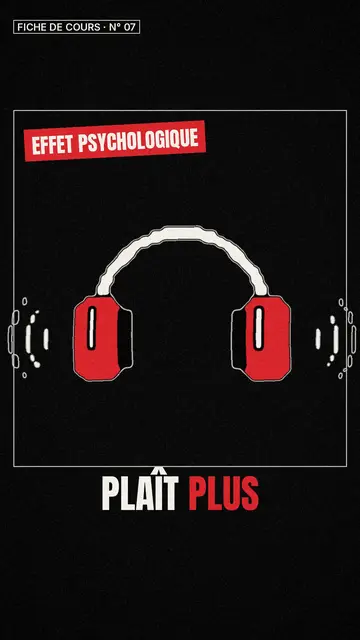
Whiteboard sketch video maker
Class sketch style · Lively black-and-white sketches with red accents.
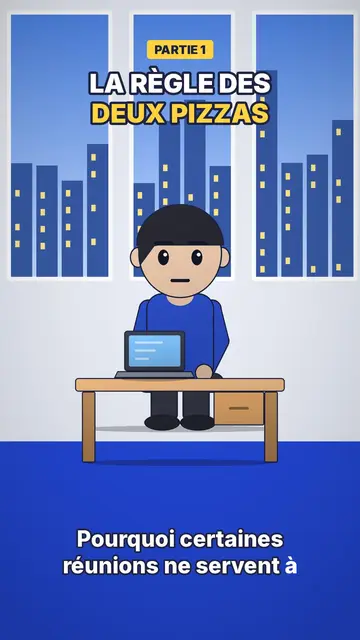
Office cartoon animation video
Office toon style · Big-headed toon characters at the office or in the kitchen.
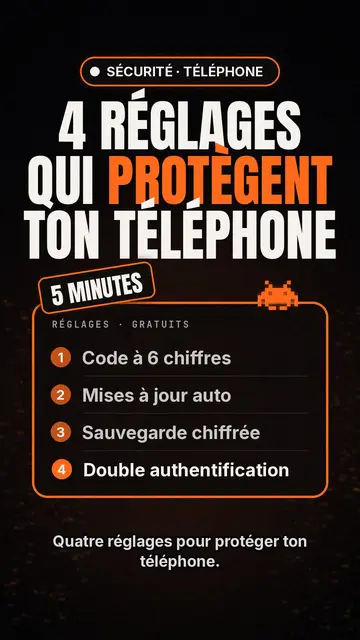
Tech top list video maker
Tech list style · Tech card on black, glowing badge, numbered list.
Din idé, i denne stilen
Skriv en setning eller si den: stilen er allerede valgt når du kommer til editoren.