Film strip timeline video — Amber film strip style
Make a timeline video on an amber film strip that rolls by: each step in its own frame, glowing burnt holes between scenes and a rolling counter.
Inkludert fra Starter, med alle 81 stiler pluss dine egne · forhåndsvisning laget av ClipOnIt-motoren
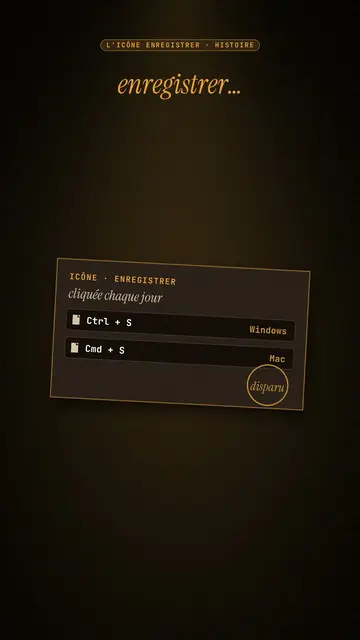
Slik ser denne stilen ut
Amber film strip plunges your video into a warm black background, lit by an amber beam like in a projection room. A perforated film strip rolls by and carries the steps of the story in its frames: dates, versions, codes, a commit history. To move on, a glowing burnt hole pierces the image, grows and reveals the next scene, like film heating up in the projector.
At the top, a single word at a time shows along with the voice, in white sans-serif or in amber italic serif for the strong word. A small amber mono label at the very top gives the subject. In the centre, other blocks can take the strip's place: a rolling counter, brown cartridges with their lines, reels, a label, a memory card. A mono terminal can type its lines at the bottom, and the end shows “Comment”.
Temaer den passer til
Avoid: topics with no sense of time or steps: the strip needs a sequence to roll through. Also avoid very colourful or cheerful topics; the style stays dark, warm and slightly nostalgic.
- Timelines of objects and inventionsEach film frame is a date: viewers see the object change from era to era.
- Version and code historyThe commit history in the strip and the terminal at the bottom speak to developers.
- Film and retro cultureThe projection room and the reels set a mood straight away.
- The “before / after” of a technologyThe burnt hole revealing the next scene marks the move from one era to the next.
Videoideer i denne stilen
- The Save icon is a vanished floppy disk
The “Ctrl + S” cartridge, the strip with 1971, 1976, 1981, the counter up to 1.44 MB and the end of production in 2011.
- Git explained in 30 seconds
The commit history in the strip, the typing terminal and a burnt hole at each branch.
- The story of the first colour film
The reels, the dates in frames and the word “colour” in amber serif.
- How your phone replaced ten objects
The strip of objects, the rolling counter and the memory card at the end.
Få det på 1 klikk
- Åpne lenken til denne stilen
Knappen «Lag en video i denne stilen» åpner editoren med denne stilen allerede valgt. Uten konto tar registrering ett minutt og krever ikke kort.
- Skriv emnet ditt i én setning
En idé er nok. Du kan også lime inn teksten din, eller, med Starter, fortelle inn i mikrofonen: videoen bygger da på stemmen din.
- Gjennomgå, så render
AI skriver scenene, velger elementene i stilen og tidsetter dem etter ordene, med stemme og undertekster. Du retter det som er feil, og så er den vertikale MP4-filen klar om noen minutter.
Det du kan justere
For each scene you pick the top label, the central block that appears on the word (film strip, counter, cartridge, reels, label or comment card), a terminal at the bottom with its lines, an italic serif line under the block, and an opening through a burnt hole.
Ofte stilte spørsmål
Gratis eller ikke, resultat, bruk: kort forklart.
How many steps fit on the strip?
Each frame carries a short step: a date, a version, a name. Three to six frames per scene stay readable on a phone.
Kan jeg bruke min egen stemme?
Yes. Record yourself or import your audio: the top word, the strip and the burns follow what you say.
How is it different from Dark archive collage?
Dark archive collage layers front pages and archive photos. Amber film strip rolls a film band carrying the steps, with a single word on screen.
Er denne stilen med i gratisplanen?
Nei, det følger med Starter ($29/måned): 15 videoer uten vannmerke i måneden, alle 81 stiler pluss dine egne. Gratisplanen gir 3 videoer i måneden med vannmerke i 8 andre stiler: Pixel News, Press paper, Comedy cartoon, Class sketch, Night tale, Social screen, Retro synthwave og Flat vector.
Hvis du liker denne stilen
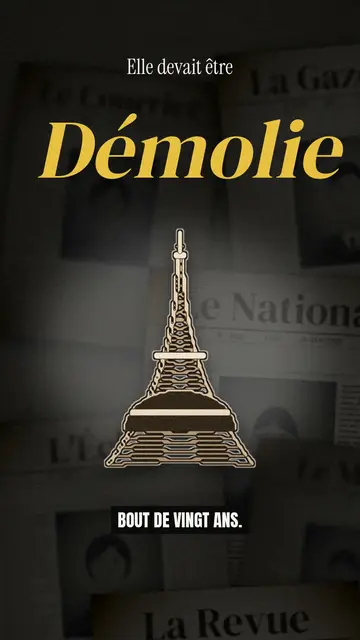
Archive documentary video
Dark archive collage style · Old sepia front pages, cut-out photos and postcards sliding in layers on a dark backdrop.
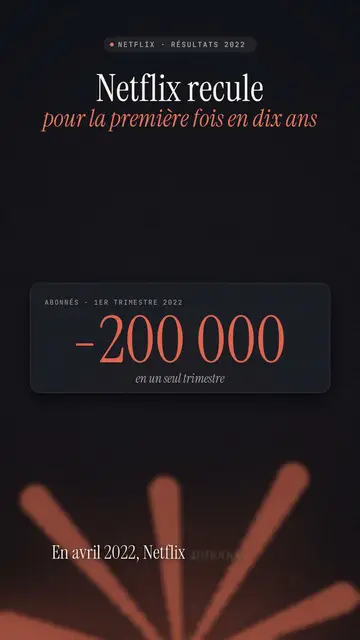
Finance explainer video
Night report style · A financial investigation on a warm dark background, amber glow or coral asterisk, white serif title.
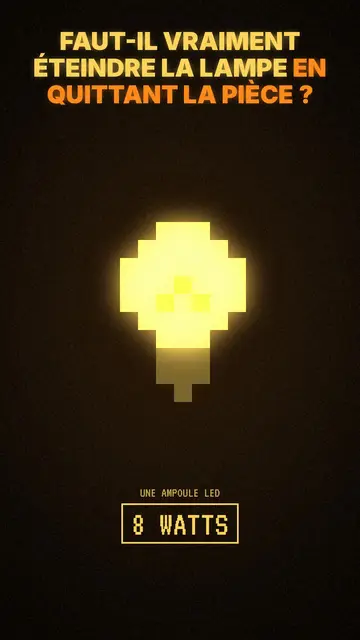
Stemningsfull pixel art-historievideo
Mood pixel-stil · Varm, mørk pixelkunst med strålende gult lys.
Din idé, i denne stilen
Skriv en setning eller si den: stilen er allerede valgt når du kommer til editoren.