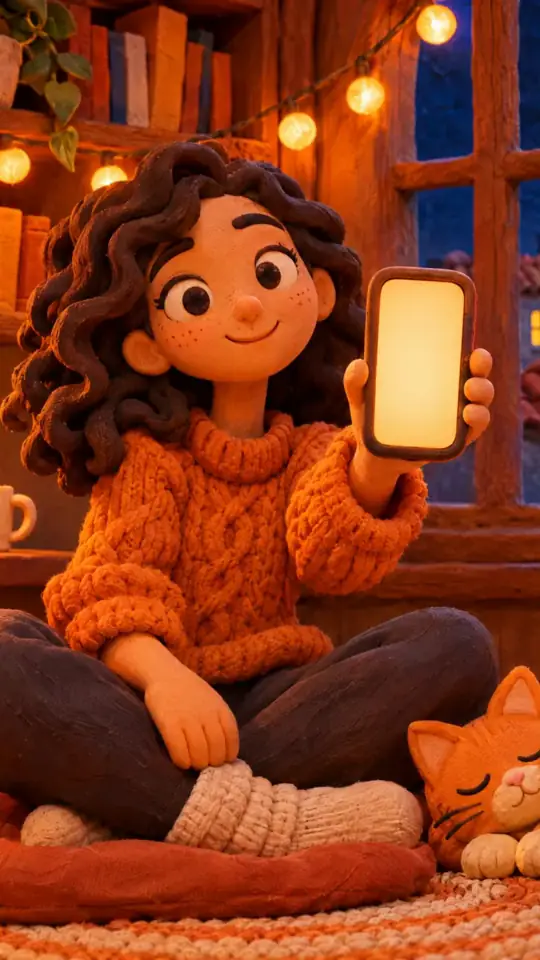
Tech tutorial video maker — Terracotta studio style
Make a tech tutorial video with UI cards floating in light 3D on cream: numbered labels, rolling counters, terracotta plates and italic serif captions.
Inkludert fra Starter, med alle 27 stiler pluss dine egne · forhåndsvisning laget av ClipOnIt-motoren
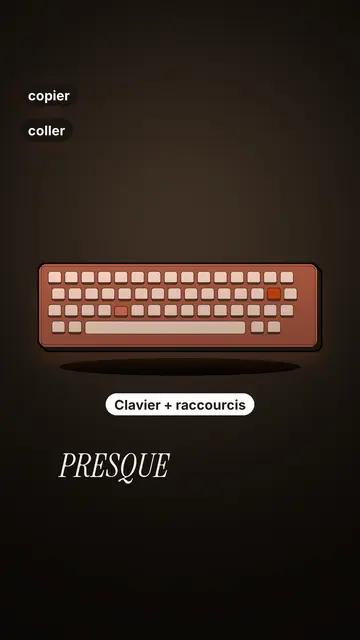
Slik ser denne stilen ut
Terracotta studio explains a tool as if on a tidy workbench. On a cream background, interface cards float in light 3D, with real perspective and a warm shadow: an app window, a list of steps, an editing timeline, a sound wave drawing itself, a pad of keys lighting up one by one. At the top, a numbered label (“01”, the tool's name, “free”) says where you are and stays put while that tool is discussed. Each card enters on the word that names it.
The promise lands on a solid terracotta plate: an asterisk, an extra-bold grotesque title and an underlined italic serif word. The key number rolls in a giant counter above a floor of small cards in perspective. Small labels pop around the cards on the strong words, and captions run word by word in uppercase italic serif, the key word in terracotta. The end shows a numbered card and a button that lights up and then gets clicked.
Temaer den passer til
Avoid: stories carried by characters, places or emotions: the style shows interfaces, lists and numbers, not scenes from life. Also avoid topics without steps or a concrete tool; a card should always show something you can do.
- Tool tutorialsEach tool gets its numbered label and its cards: viewers follow the order without getting lost, even in 30 seconds.
- Tech tipsA shortcut, a hidden setting, a command: the lit keys and the window show the exact move.
- How things workA search, a sound, an edit: the card filling up shows the mechanism step by step.
- Free tools and app round-ups“3 free tools”, “5 apps to install”: the plate announces the number, the end card sums up the list.
Videoideer i denne stilen
- 3 keyboard shortcuts that save time
The lit keys, the closed-tabs window, the clipboard history and the card to keep.
- 5 free sites to find sounds
One label per site, the wave drawing itself, the counter of royalty-free sounds and the final list.
- How AI finds an image in one second
The typed search, the scrolling film strip, the image at the exact frame and the accuracy score.
- Editing a video on your phone
The timeline where clips stack up, the sound meter and the “Export” button clicked at the end.
Få det på 1 klikk
- Åpne lenken til denne stilen
Knappen «Lag en video i denne stilen» åpner editoren med denne stilen allerede valgt. Uten konto tar registrering ett minutt og krever ikke kort.
- Skriv emnet ditt i én setning
En idé er nok. Du kan også lime inn teksten din, eller, med Starter, fortelle inn i mikrofonen: videoen bygger da på stemmen din.
- Gjennomgå, så render
AI skriver scenene, velger elementene i stilen og tidsetter dem etter ordene, med stemme og undertekster. Du retter det som er feil, og så er den vertikale MP4-filen klar om noen minutter.
Det du kan justere
For each scene you pick one to three cards out of twelve (window, list, timeline, wave, pads, counter, meter, score, numbered frames, search, film strip or a library element), the numbered label for that part, up to three small labels and the word where each one appears. A terracotta plate carries the promise, a number shot rolls the key figure, and the end card lists your tools with a button. Your own voice works too: everything locks onto the spoken words.
Tegnet i denne stilen
9 517 elementer i biblioteket, søkbare etter betydning. Noen av dem:
 Karakterer
 Enheter
 Dokumenter og steder
 Data
 Kulisser
 Grensesnitt
 Science
 Handlinger
Ofte stilte spørsmål
Gratis eller ikke, resultat, bruk: kort forklart.
Do I need screenshots of my tools?
No. The engine draws the interface cards from your text: titles, lines, keys, numbers. No screenshot or brand logo is used.
Kan jeg bruke min egen stemme?
Yes. Record yourself or import your audio: every card, every key and every caption word locks onto what you say.
How is it different from Clean interface?
Clean interface tells a story in OS-style windows with a clicking cursor. Terracotta studio is built for tutorials: cards in light 3D, a numbered label per tool, terracotta plates and counters.
Er denne stilen med i gratisplanen?
Nei, det følger med Starter ($29/måned): 15 videoer uten vannmerke i måneden, alle 27 stiler pluss dine egne. Gratisplanen gir 3 videoer i måneden med vannmerke i 8 andre stiler: Pixel News, Press paper, Comedy cartoon, Class sketch, Night tale, Social screen, Retro synthwave og Flat vector.
Hvis du liker denne stilen
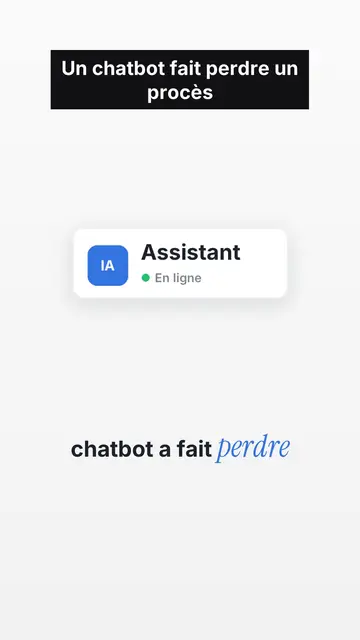
UI motion design explainer video
Clean interface style · The story played out in clean interface cards: windows, buttons, a cursor clicking on the word, key word in serif.
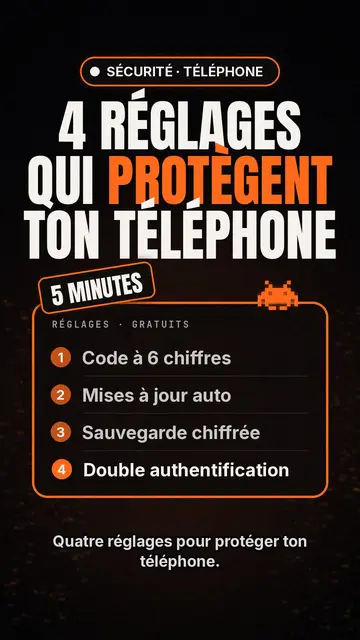
Tech top list video maker
Tech-listestil · Tech-kort på svart, glødende merkelapp, nummerert liste.
Videoskaper for kinetisk typografi
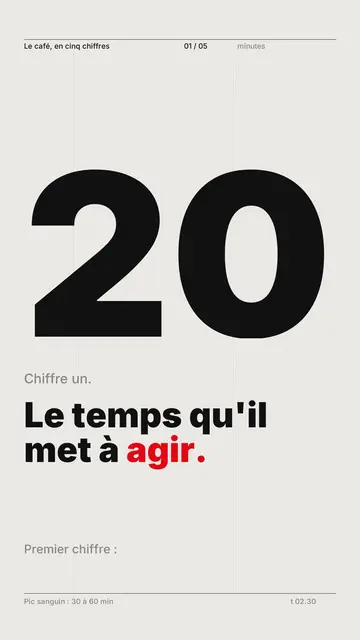
Swiss grid style · Sveitisk typografi: lys papir, streng grid, stort tall, én signalfarge.
Din idé, i denne stilen
Skriv en setning eller si den: stilen er allerede valgt når du kommer til editoren.